How to create BlockId?
Sign up
Create your account on register as a publisher.
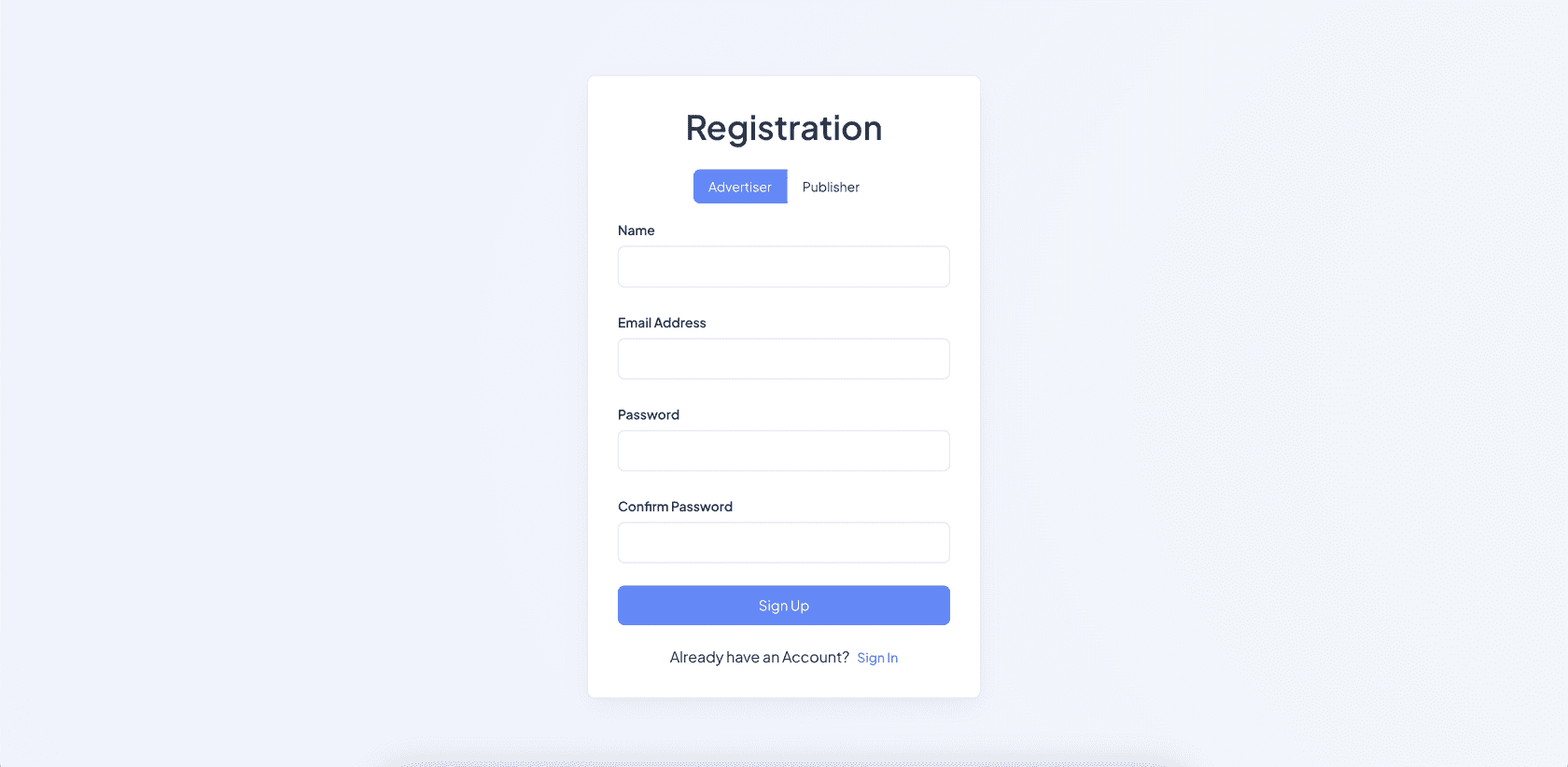
If you have already connected to our network as an advertiser and launched campaigns, it is important to register a new publisher's account.
So we automatically won't show ad that lead to your app inside your app.
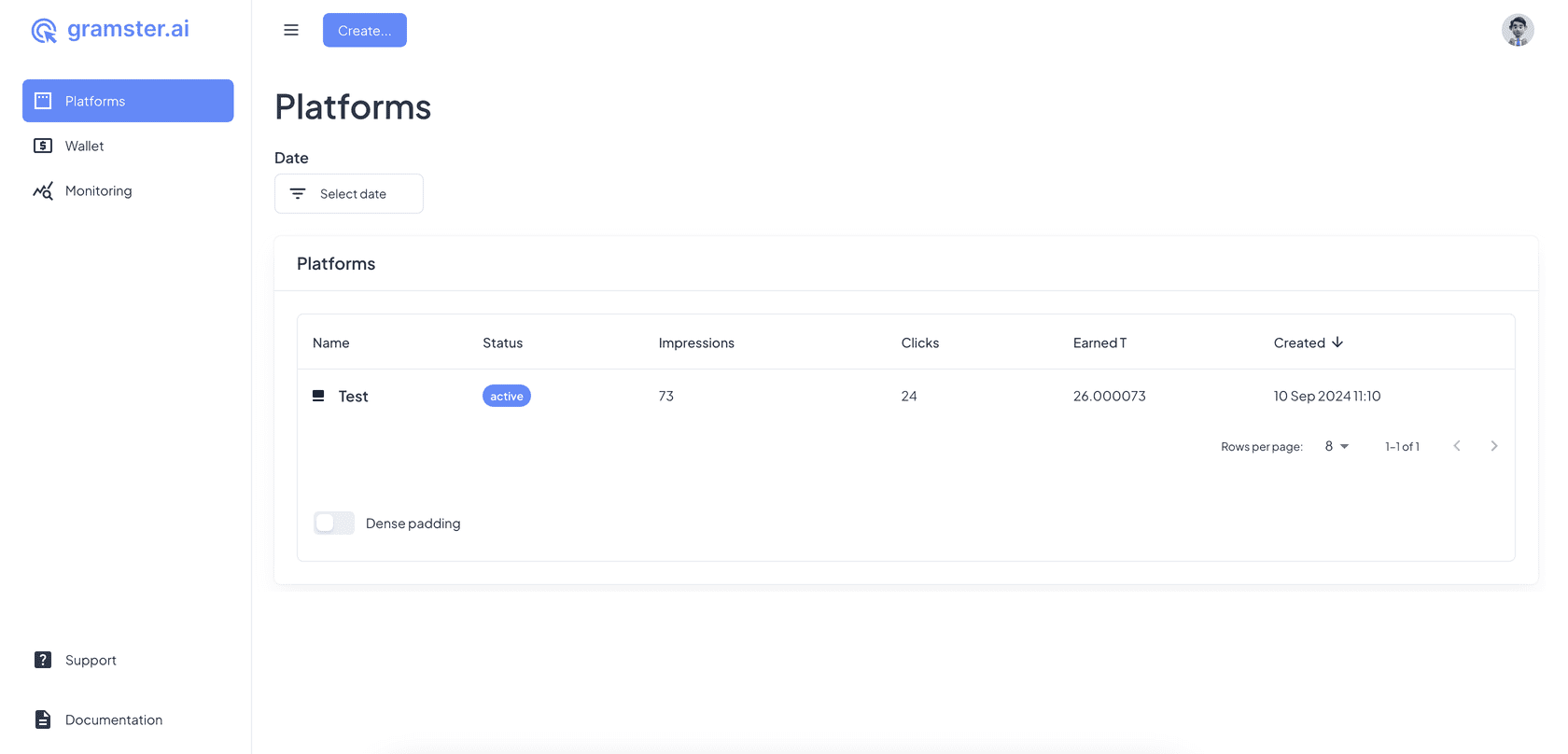
Create Ad Platform
Click Create... and choose Ad platform
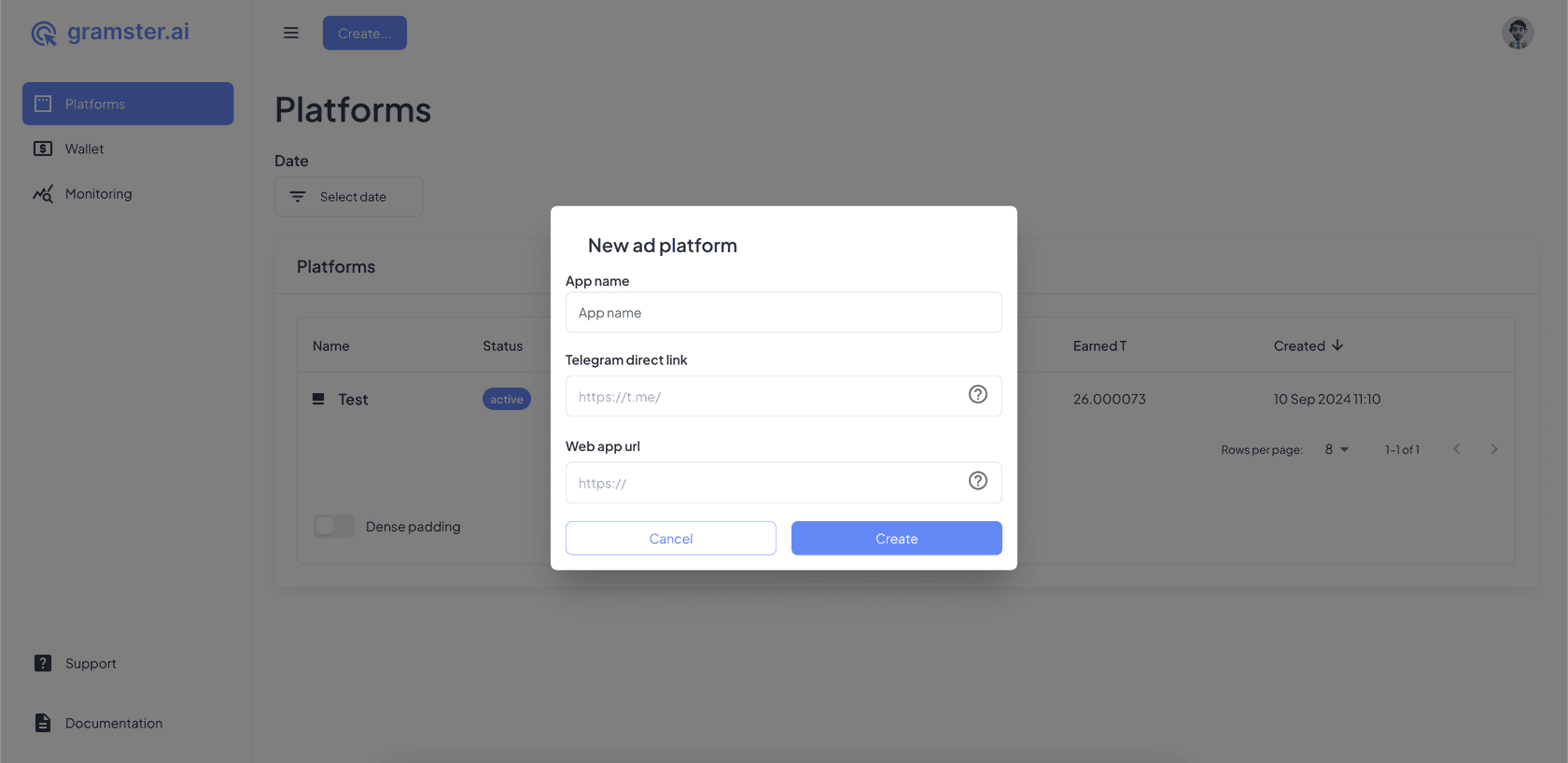
App name — convenient for you name of your App.
Telegram direct link — direct link to your telegram app.
Web app url — the url of your application where it's hosted.
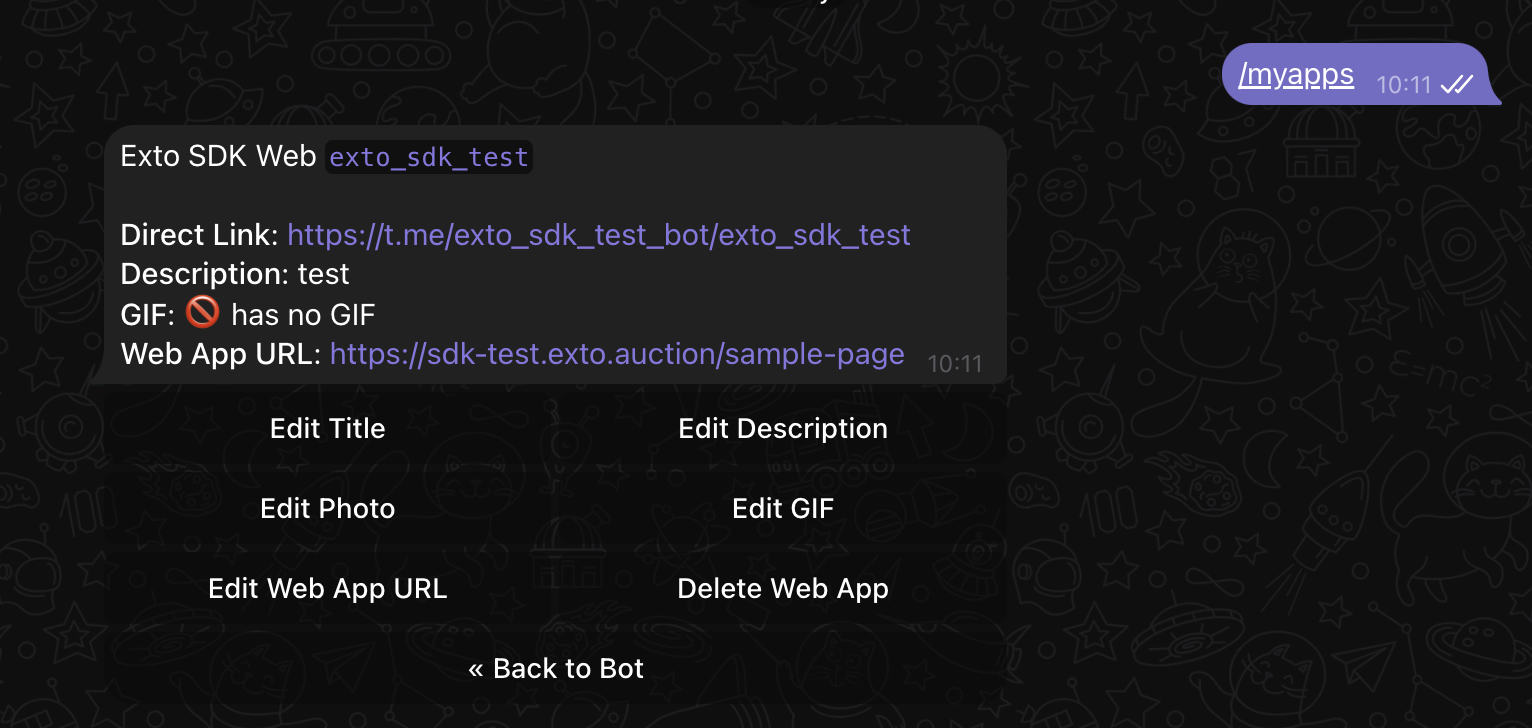
App owner can get Telegram direct link and Web app url in BotFather using command /myapps.
Banning the display of Gambling
By contacting our support @gramstersupport, you can ask to turn off the impressions of advertisers from the Gambling category on your site.
Create Ad block
Click Create... and choose Ad block.
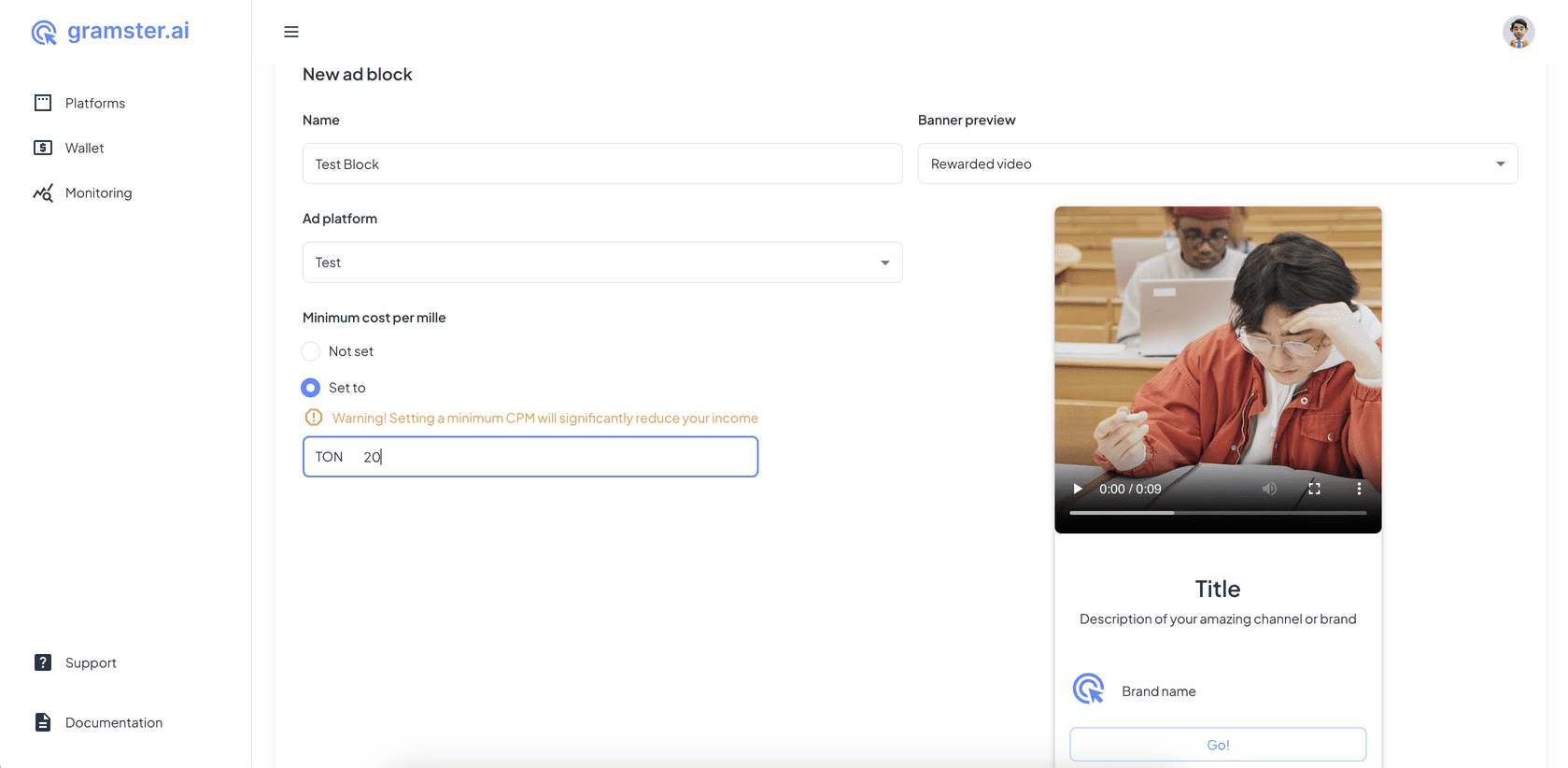
Name — the name of the block is convenient for you.
Ad Platform — previously created platform. Choose platform in dropdown menu.
Block type — choose the type of block you want to create.
Minimum cost per mile — minimum CPM limit for advertisers who will be shown in your block.
Setting a minimum CPM will significantly reduce your income.
If you display ads in several places inside the web app. For a better understanding of where users watch ads and you earn, it is convenient to use several blocks. Statistics for each block will be displayed separately on the platform page.
Moderation
After the block is created, it must go through moderation. To pass moderation, send a message to @gramstersupport with:
- screenshot from BotFather like this 👇
- and link to your platform in format https://exto.auction/platforms/xxx/
Copy Block ID
In the right top corner click <> Show code and then Copy Block ID. Use this blockId in your code.
Updated at: 9/2/2024